
Today’s outage is not proof of a caller’s identity
The Microsoft 365 disruption on Friday 13 November 2026 has affected email and other services in Australia and worldwide. At 3:27pm AEDT, Microsoft’s public status page still showed service degradation. An outage does not mean your computer has been hacked, and it does not make an unexpected repair offer genuine.
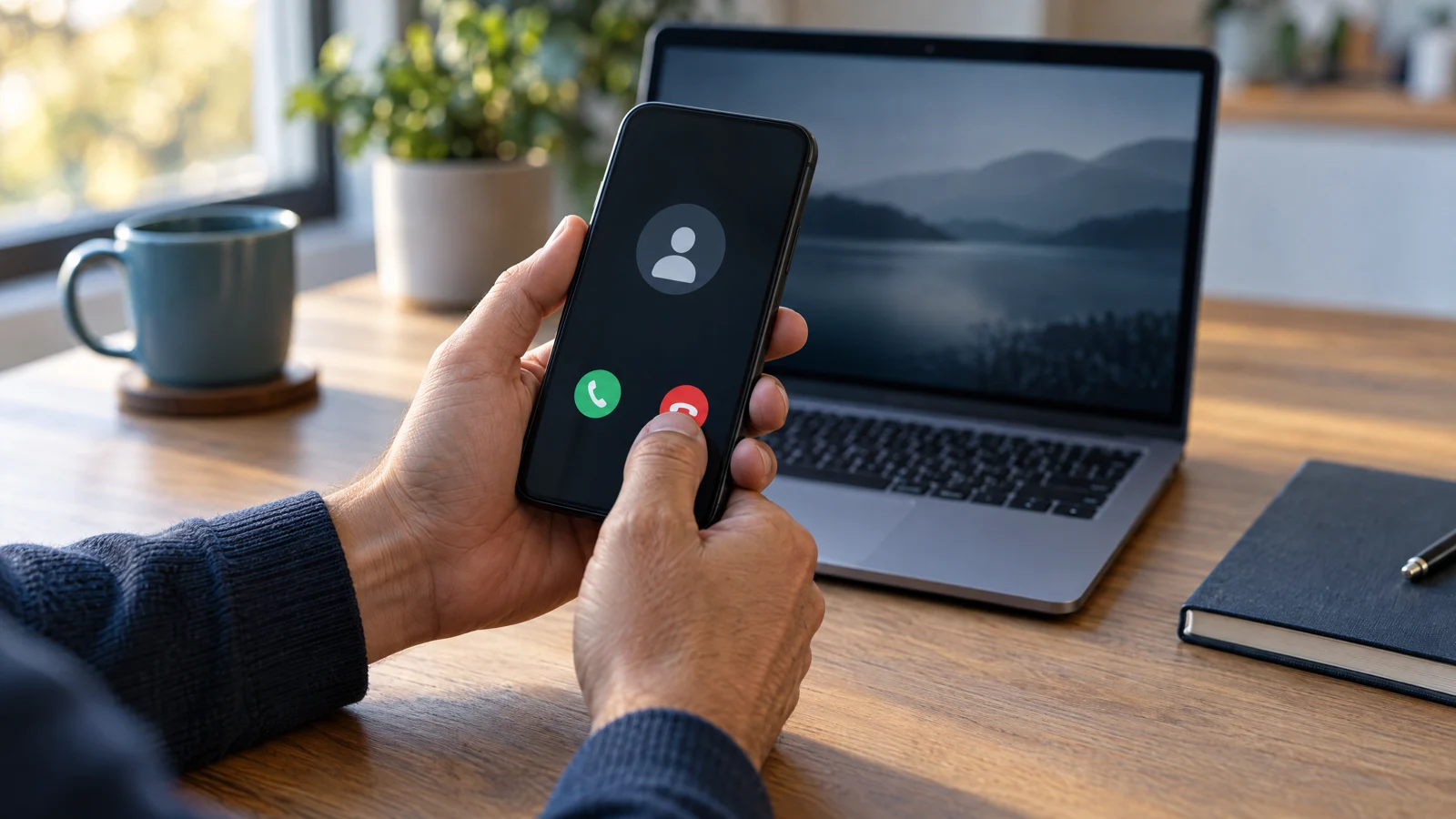
Warnings issued today highlight the risk of scammers offering to resolve Microsoft problems. Microsoft says it does not proactively contact people to provide unsolicited computer support. Someone cold-calling as a “Microsoft technician” or “engineer” and asking to connect should be treated as a scam risk—not welcomed because your email is down.
Refuse access, then verify through your trusted IT partner
Do not install remote-control software, open a support link or share a connection code with an unexpected caller. Never disclose passwords or one-time security codes. Remote-access tools can be legitimate, but a criminal using them may steal information, change settings or install malicious software.
End the call. Contact your established IT partner using a saved number, existing support portal or independently checked official website—not details supplied by the caller. Caller ID, a logo, knowledge of your name and a convincing technical explanation are not reliable proof of identity.
Even if someone claims to represent your usual provider, confirm the technician and support ticket through that known channel. Allow only an authorised, verified technician to start an agreed support session, and approve access appropriate to the task. If email is unavailable, use your organisation’s approved alternative contact method.
If you have already allowed a connection
End the remote session, disconnect the affected device from the network and contact your trusted IT team using another device. Tell them what was installed, shared or changed. Ask them to assess the device and account access before reconnecting; change exposed passwords from a trusted, clean device.
If financial details or payments were involved, contact your bank immediately. Report the approach to Scamwatch. These precautions remain important after Microsoft services recover.
Key Takeaways
- An outage is not permission for a stranger to access your computer.
- Verify your IT partner independently before every unexpected support session.
- If access was granted, stop the session and escalate promptly.
Unsure whether a support request is genuine?
Speak with your existing IT partner first. You can also contact vCloud Group about managed IT support and safer remote-access procedures.